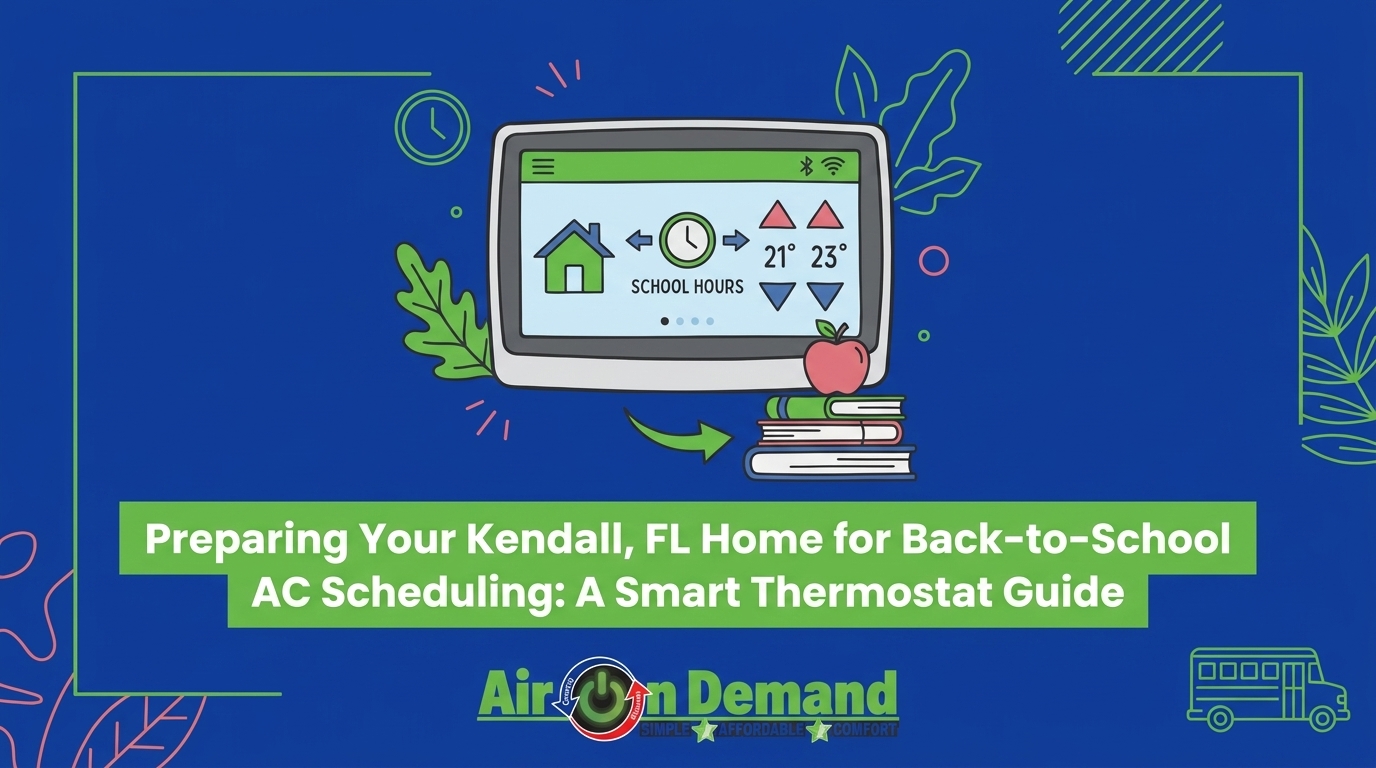
Preparing Your Kendall Home for Back-to-School AC Scheduling
September 23, 2026
August is here, and the shift in daily routines is in full swing. As the kids head back to class and adults return to the office, your house is about to sit completely empty during the most intense part of the afternoon. At Air On Demand, we have helped countless local families realize that preparing your Kendall home for back-to-school AC scheduling is about solving a very specific seasonal puzzle. You want to stop wasting energy cooling an empty house, but you cannot afford to let extreme indoor humidity take over. When the August back-to-school transition hits, finding the exact smart thermostat setback temperature becomes a crucial balancing act. You have to reduce your cooling load without letting the heavy moisture of late summer overwhelm your living space.
Before you start adjusting your daily schedule, starting with professional AC maintenance ensures your system is clean and ready to handle the changing demands. For true local expertise, exploring our Kendall AC maintenance services is the best way to keep your home protected and efficient as the seasons shift.
If you lived in a dry, arid climate, turning off your air conditioner when you leave for work might make perfect sense. However, in South Florida, that strategy is a recipe for disaster. The specific environmental challenges of our region make generic HVAC advice completely ineffective. Our technicians at Air On Demand deal with intense late-summer humidity in the Miami and Kendall area daily, and we know firsthand that your AC must run periodically just to remove moisture, even when no one is home.
During the back-to-school months, the reality of peak afternoon heat is unavoidable. Miami's average August afternoon relative humidity frequently exceeds 70 percent. This high outdoor moisture level creates a massive "latent cooling load" on your home. Latent heat refers to the energy required to remove moisture from the air. Even when your doors and windows remain tightly shut, humidity infiltrates through the natural ventilation of the house, seeping through micro-cracks and roof vents.
Generic Advice vs. Kendall Climate Reality:
• Turn the AC completely off when you leave for the day. — Kendall Climate Reality: The AC must run periodically to extract heavy indoor moisture.
• Set the "away" temperature to 85 degrees to save energy. — Kendall Climate Reality: Temperatures above 80 degrees allow dangerous humidity levels to build up.
• Use aggressive factory "eco-modes" for maximum efficiency. — Kendall Climate Reality: Eco-modes often ignore humidity control, leading to a damp, uncomfortable house.
When you follow generic national advice, you ignore the extreme humidity that defines our local weather. Your air conditioner is your primary defense against that moisture, and our installation and service teams will tell you it needs a specific schedule to do its job properly.
Many homeowners mistakenly believe that an air conditioning system's only job is to lower the air temperature. In reality, your system performs two vital, simultaneous functions: sensible cooling (lowering the temperature you feel) and latent cooling (removing physical moisture from the air). When you use the "off" switch during the August back-to-school transition, you completely disable the latent cooling process.
The Problem: Walking into a home that feels like a stagnant, heavy swamp after a long day at work. The air feels thick, and the house takes hours to cool down.
The Cause: Without the air conditioner running, indoor humidity rapidly climbs to match the muggy outdoor levels. The EPA strongly recommends keeping indoor humidity below 60 percent to prevent mold growth and protect your home's interior. When a house sits stagnant, moisture accumulates fast. This risks severe damage to your drywall, wood cabinetry, hardwood floors, and overall indoor air quality. Mildew thrives in dark, warm, and damp environments—exactly what an empty house becomes when the AC is turned off.
The Solution: Instead of cutting the power, you need to focus on adjusting your AC dehumidification settings. This ensures the system runs just long enough to extract moisture without constantly cooling an empty space. By keeping the air circulating and the evaporator coil cold, you pull gallons of water out of your indoor air every single day.
National energy-saving blogs often recommend setting your away temperature as high as 85 degrees. As a local HVAC authority, Air On Demand explicitly warns against this generic national advice. What works in the dry Midwest will ruin a home in South Florida. Based on our years of experience handling AC installations and repairs across Miami, our deep understanding of the local climate points to a highly specific 78-80°F setback temperature as the absolute limit for preserving homes in our humid environment.
Upgrading to a smart thermostat makes it effortless to maintain this precise temperature range without manual intervention. You simply program the limits, and the system handles the rest.
This specific temperature range keeps your compressor cycling frequently enough to extract latent heat. For an air conditioner to dehumidify, it has to run long enough to pull warm air over the freezing cold evaporator coil, condense that moisture into water drops, and drain it outside. At 78-80 degrees, the system turns on just enough to perform this extraction. Crucially, this prevents your home's interior mass—your couches, rugs, and drywall—from acting like a sponge and absorbing excess moisture.
If you push the thermostat to 82 or 85 degrees, the system stays dormant for extended periods. This leads to stagnant, damp air. Furthermore, when the family finally returns and drops the temperature back to 72 degrees, the AC requires massive energy spikes to cool the house back down. It has to work twice as hard to remove the built-up humidity before the air actually starts to feel cool against your skin. You end up erasing any energy savings you gained during the day.
With the 78-80 degree rule in mind, the next step is programming your system to match your family's new routine. The August back-to-school transition provides a predictable, steady timeline, making it easy to divide the weekday into specific cooling blocks. The goal is gradual temperature shifts rather than sudden, drastic changes.
Maintain your normal comfort levels while the family gets ready for the day. You do not want everyone sweating while trying to eat breakfast and pack lunches. Program the setback temperature to initiate about 15 to 20 minutes after the last person leaves the house. This gives the system a brief rest period as the house slowly begins to warm up naturally.
During the hottest part of the day, lock the temperature at the 78-80 degree threshold. This is the crucial period where you must disable aggressive "eco-modes" that might override your carefully planned humidity controls. By holding this steady limit, the system will cycle on occasionally, keeping the indoor air moving and the moisture levels safely in check while the sun beats down outside.
Schedule the system to drop back to your preferred comfort levels 30 to 45 minutes before everyone returns. This recovery period begins cooling the home gradually. By the time the kids open the front door, the house is comfortable, and you avoid forcing the AC to cool a hot, humid house during the peak 4:00 PM heat.

Modern climate control systems come packed with advanced features designed to make your life easier. However, not all of them are suited for South Florida's unique weather. Our team frequently responds to late-summer AC repair calls that stem directly from two common pitfalls you must avoid during the back-to-school season: geofencing errors and extreme factory eco-modes.
The Geofencing Trap: Geofencing uses your smartphone's location to determine if you are home or away. If you commute far away for work, the system assumes the house is completely empty and pushes the temperature up to save energy. However, if it pushes past the 78-80°F setback temperature limit, your home sits in a dangerous humidity zone all day. By the time you cross back into the geofence boundary on your evening commute, the system cannot recover fast enough to make the house comfortable upon your arrival.
Aggressive Eco-Modes: Factory-default eco-modes are designed by software engineers who prioritize pure energy reduction over humidity management. These settings will happily let your house reach 85 degrees if it saves kilowatt-hours, completely ignoring the fact that your walls are absorbing moisture.
The Quick Fix: You must manually cap the maximum away temperature in your thermostat's app settings. Never let an automated feature override your humidity control strategy. The delay in recovery time when a home is allowed to get too hot and humid completely negates any energy saved during the day. Take control of the app and set hard limits.
When our HVAC professionals perform maintenance checks, we always remind homeowners that your thermostat shouldn't have to do all the heavy lifting alone. There are holistic home strategies you can implement right now to support your AC schedule and reduce the overall burden on the system during sweltering Kendall afternoons. If your system struggles to recover from the setback temperature even after applying these tips, a pattern we see often is that it may be time to seek AC repair in Kendall to address underlying mechanical or efficiency issues.
• Utilize blackout curtains: Closing blinds and heavy curtains on east and west-facing windows physically blocks solar heat gain. Sunlight streaming through glass acts like a greenhouse, raising the indoor temperature rapidly.
• Seal your windows: Ensure all windows are fully closed, locked, and weather-stripped to prevent humid outdoor drafts from sneaking into the home while you are away.
• Keep interior doors open: Leave bedroom and bathroom doors ajar while everyone is at school. This allows return vents to pull stagnant air from every room, circulating it efficiently and preventing hot spots.
• Never close air vents: Closing vents in unused rooms does not save energy. It disrupts the system's static pressure, forces the blower motor to work harder, and can lead to frozen evaporator coils.
• Replace air filters routinely: A clean filter is absolutely essential. As the system works hard to extract heavy moisture during the late summer, a clogged filter will choke the airflow and cripple the dehumidification process.
Balancing energy efficiency with critical indoor humidity control is entirely possible when you have the right smart thermostat strategy in place. By adhering to the 78-80 degree setback rule for empty homes during the back-to-school transition, you protect your Kendall property from moisture damage without wasting unnecessary power. Remember that a well-maintained system is the foundation of efficient cooling and dehumidification. Explore professional maintenance options to ensure your air conditioner can easily handle the late-summer humidity, and consult with our local HVAC experts to perfectly optimize your home's daily cooling schedule for the months ahead.
What temperature should I set my AC when I am away in Florida?
You should set your AC between 78 and 80 degrees Fahrenheit when you are away in Florida. This specific range balances energy savings with the need for the system to run often enough to remove excess humidity from the air. Setting it any higher risks allowing heavy moisture to build up inside your home.
Should I turn my AC completely off when I go to work?
No, you should never turn your AC completely off when leaving for work in a humid climate. Your air conditioner is responsible for both cooling the air and removing moisture. Turning it off completely allows indoor humidity levels to spike, which can lead to mold growth, musty odors, and damage to your home's interior.
How do I set my smart thermostat for school hours?
Set your smart thermostat to initiate an "away" mode of 78 to 80 degrees about 15 minutes after the last person leaves for school. Then, schedule a recovery period to begin cooling the house back to your preferred comfort temperature 30 to 45 minutes before the family returns. This ensures a comfortable arrival without overworking the system during the hottest part of the day.
Does setting the AC higher during the day actually save energy in high humidity?
Setting the AC slightly higher (up to 80 degrees) does save energy, but pushing it too high can actually waste power. If the house gets excessively hot and humid, the air conditioner has to work twice as hard and run continuously for hours to remove the built-up moisture and cool the space back down when you return.
What is the ideal indoor humidity level for a home in Miami?
The ideal indoor humidity level for a home in Miami is generally between 40 and 60 percent. The EPA strongly recommends keeping indoor humidity below 60 percent to prevent mold growth and maintain healthy indoor air quality. Your air conditioning system plays the primary role in maintaining this balance.
Can extreme eco-modes on smart thermostats cause mold growth?
Yes, extreme eco-modes can potentially contribute to mold growth in humid climates. These factory settings often prioritize maximum energy savings by allowing the home's temperature to rise significantly. If the AC doesn't turn on frequently enough to extract moisture, indoor humidity can surpass 60 percent, creating the perfect environment for mold to thrive.